
JELLY BEAN
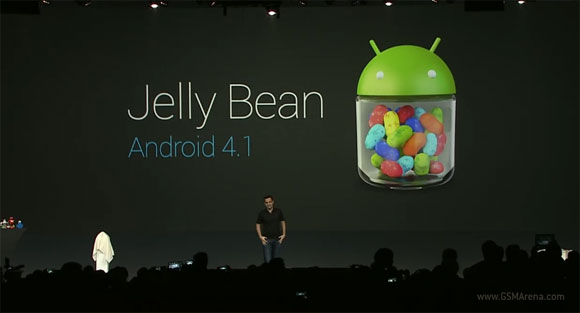
Perhaps it's my software analyst bias talking, but for me the best announcement at Google I/O is Android 4.1, a.k.a Jelly Bean, an incremental version of Android 4.0 Ice Cream Sandwich.
 |
| Add caption |
Google created Jelly Bean to unify Android tablets and smartphones, and after playing around with the update on both devices, I found no differences feature-wise. It also syncs more than apps. For instance, when you're consuming media on a Jelly Bean-ized tablet, whether it's reading a book or watching a TV show, you can start from where you left off on a Jelly Bean-ized smartphone. Suddenly, there's an incentive to own an Android smartphone and tablet.
Jelly Bean brings only a few improvements to Ice Cream Sandwich, but they're great. With auto-resizable widgets, uber-intelligent Google search, pinch-to-zoom notifications, and more shortcuts, Jelly Bean actually manages to make Ice Cream Sandwich look a little...bland.
Here at Google I/O we attendees aren't getting Jelly Bean-loaded devices for another four hours, but I got a demo of the update on a Nexus 7 tablet and Galaxy Nexus. Click through the slideshow below for a look at all the new features in Android 4.1, aka Jelly Bean.
PROJECT BUTTER
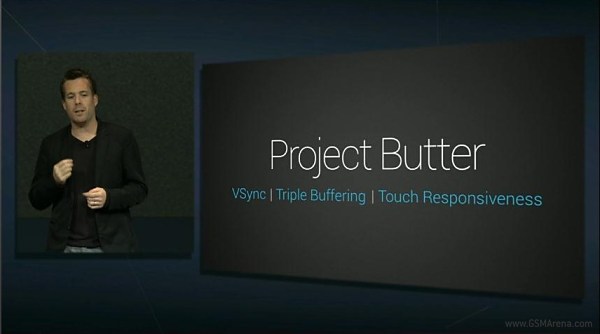
Firstly, Jelly Bean focuses on performance. More specifically, improving UI responsiveness. Google has dedicated a whole project codenamed Butter to improving Android performance.
By making the vsync of the screen at a constant 60 frames per second, it makes the UI smooth as, you've guessed it, butter. It even goes as far as to anticipating where your finger is and start drawing from that point to make the UI appear even smoother.
Google showed two Galaxy Nexus smartphones, one running Ice Cream Sandwich and the other Jelly Bean to demonstrate the huge difference that Project Butter makes. It's really quite impressive.

App Drawer
Jelly Bean's app drawer brings Google Play apps front and center: Music Books, Movies, Play. That third icon is new: Magazines.
Google Now
Google Now is a smarter search engine that combines reams of data from your past Google searches, rankings, clicks, etc, with data from mobile sensors (like geolocation and time zone). For example when you open Google Now you’ll find widgets for the weather where you are. Performing a Google search through Jelly Bean will now yield more relevant, personalized results than through a desktop.
Key Board and Voice Input
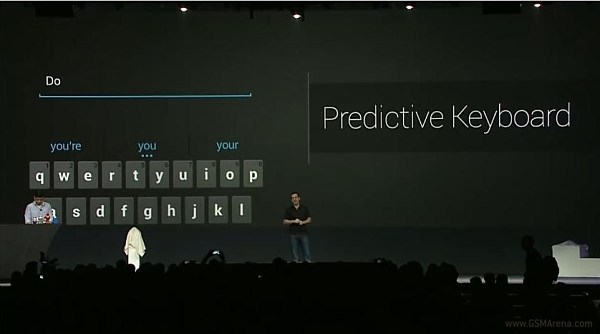
The keyboard typing is also improved, with better and more accurate predictive input and extended dictionary.
On top of that, Voice Typing in now available offline. This means that it no longer requires data connection to work and its performance won't be affected by its slow speed.
On the demo it worked pretty well by fixing a misheard word (from Known to Though. Accessibility has also been improved adding new gestures and external support for Brail input.

Native Google Search
In a single swipe from your app drawer you can open Google Now, a native Google search feature that opens a bag of uber-relevant results. More details on the next slide.

Notifications
In Ice Cream Sandwich, the pull-down notifications came in a list format. Now you can pinch to expand them. For instance, this screenshot became..

Expanded Notification.
.. This! Within each Notification you’ll also find shortcuts for sharing.

Intelligent Widgets

Goodbye Soundhound
Availability
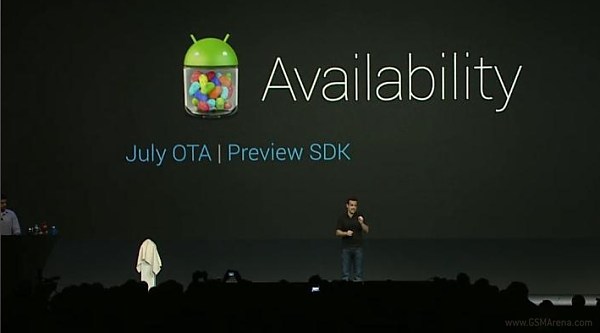
Jelly Bean will be available mid-July with a developer SDK preview available right now on DEVELOPER WEBSITE

No comments:
Post a Comment